

Setup
1
Sign in or sign up
Visit the Agent Router Service portal and create an account to get your API key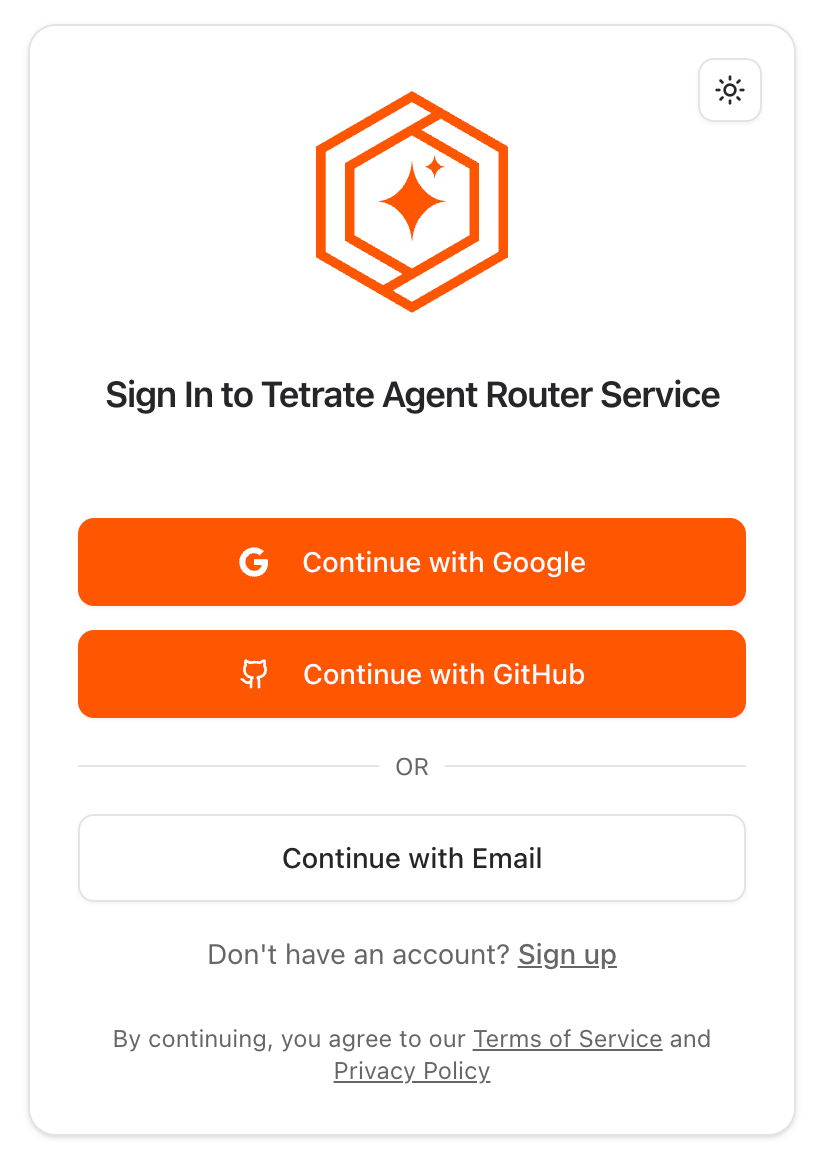
2
Get your API key
Go to the API keys page to get your key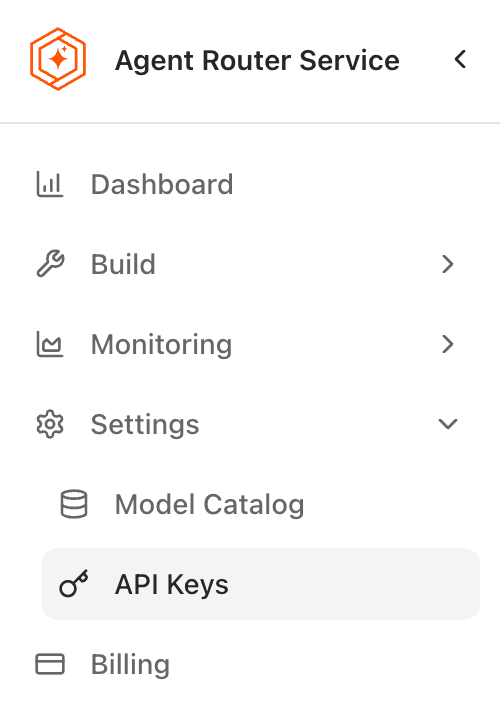
3
Configure Continue
- Choose a configuration method below.
- If you use the Continue VS Code extension, install version
>=1.2.3.
Configuration Methods
In Local Agent Configuration
Define models directly in your local agent configuration.
Using Local Model Blocks
Create a local model block for reuse across agents.
Configuration Examples
Click a tab to see an example.
- In Local Agent Configuration
- Using Local Model Blocks
When to use: Simple local setups (like using the VS Code extension) when you don’t need shared or published blocks.Use a Tetrate model block in your local agent configuration:Or define the model directly:
~/.continue/config.yaml
~/.continue/config.yaml
Troubleshooting Common Issues
Invalid API key
Verify your API key is active and has no extra spaces.
Model not found
Confirm the model ID matches the Tetrate catalog.
Slow responses
Check your network or try a less-loaded model. Contact Tetrate support if issues persist.
Configuration not loading
Validate YAML syntax and review error messages in Continue.
Join the Community
Connect with Tetrate and other builders for help and discussion.Join the Tetrate Community
Get answers, insights, and best practices for secure, scalable infrastructure